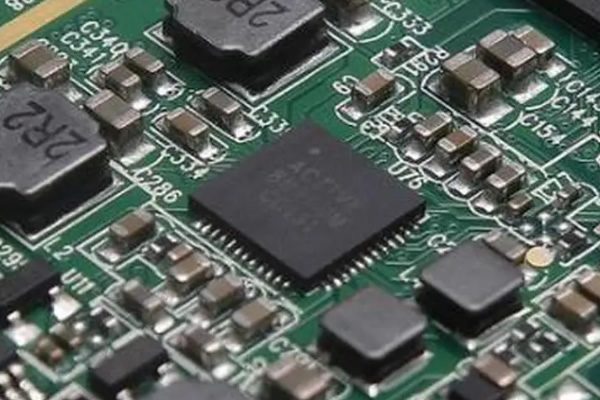
1. The importance of power management
Power management is crucial for mobile devices such as laptops, tablets, and smartphones. Good power management can extend the battery life of devices, reduce energy consumption, and also reduce the heat consumption of devices, thereby reducing the risk of hardware loss.
In order to achieve good power management, users can make a series of settings in the operating system.
2. Basic Settings for Power Management
The operating system provides many options that allow users to customize the behavior of batteries and power adapters to achieve optimal power management in different situations.
Users can access basic power options through the following steps:
Start menu → Control panel → Hardware and sound → Power options
In the Power Options window, users can choose different scheduling options. These plans specify the behavior of devices when using batteries and power adapters. Users can customize scheduling options and change them as needed.
Users can also set other options, such as turning off the monitor, entering sleep mode, or turning off the computer. These options can help users save energy and extend battery life.
3. Advanced Settings for Power Management
In addition to basic settings, the operating system also provides some advanced power management options.
Users can access advanced power options through the following steps:
Start menu → Control panel → Hardware and sound → Power options → Change schedule settings → Change advanced power settings
In the advanced power options, users can further customize power management. For example, users can set the behavior of the power button, the delay time of sleep state, and processor power management.
Advanced options also allow users to set different behaviors of devices when using batteries and power adapters, and can adjust the specific details of each option to achieve optimal power management results.
4. Other power management considerations
In addition to the power settings provided by the operating system, there are other considerations that can help users achieve optimal power management:
1. Choose efficient hardware, such as low-power processors and displays;
2. Reduce the use of devices with high power consumption, such as optical drives and external memory;
3. Maintain the cleanliness of the equipment to ensure good heat dissipation;
4. Regularly update the battery driver to ensure it can maximize the utilization of battery energy.
Through the above settings and precautions, users can maximize the device's battery life, reduce energy consumption, and also reduce the risk of hardware loss.



 0755-83849416
 中文
中文 Official website
 13924597164
 E-mail